This past week I lead onsite student laptop learning seminars for all of our students in grades 9-12. I was fortunate to have co-worker buddies run these sessions for the middle school students-I'm not sure how we would've managed otherwise.
Each student was onsite for a minimum of two hours for these seminars...before setting up our computers, installing software, enrolling in the online component of this learning experience, etc, I gave a 20 minute introductory talk to each grade level. Many of our students wonder why we're going the route of requiring everyone to starting bringing a laptop to school each day-instead of answering this question for the students, my aim was to ask more questions in the context of various waves of technology innovations throughout history. It is my intention that they arrive to their own conclusions and become an active part of the conversation centering around laptop learning in the classroom.
This particular recording is from my talk with the sophomores-this also happened to be the last group I worked with and I can't say I was on my A game here. But I hope this gives you a sense as to how we set the table for our laptop learning experience here at our school. The slideshare deck has audio and only includes the first 20 minutes of my talk. The rest of the slides in the form of a google presentation are also embedded below.
Google Slide Deck
Friday, August 27, 2010


Monday, August 23, 2010
Laptop Learning - an Essential Question
Some of the readers of this little blog know that the school I work at will be embarking down the path of laptop learning this year. As part of this program, all students will be on campus for two hour long laptop learning orientation sessions prior to the start of the school year. The first session is tomorrow and the second is on Wednesday. I've been prepping my slide deck that I'm using to guide these seminars and I developed the following essential question that I hope serves as a guide for us over the next few years...
"how can we use our laptops to personalize learning, manage complex streams of information, interrogate information validity, reflect upon our own learning, engage with local and global issues, publish for a large audience, build cool stuff, develop empathy, network with others and expand our cultural competencies and awareness?"I'll be meeting with all students in grades 9-12 over the next two days - I think it is going to be really fun having the opportunity to do these orientation seminars with this students. I hope they are receptive to this essential question...wish me luck!
Friday, August 20, 2010
Copy of Email to Our New Faculty
I just drafted up and posted this email to the 9 new faculty members here in our school community. I essentially wanted to give them a sense as to how I could assist them with their practice. It was a much longer email than I was hoping for, but it serves the purpose I think. I'm rebroadcasting here at my blog in the event that other instructional technology coordinators may want to remix this for their own purposes.
---------------------------------------------------------
August 20, 2010
Dear new faculty members,
---------------------------------------------------------
August 20, 2010
Dear new faculty members,
My apologies for missing you all at Monday's orientation, but I was a bit busy looking after our little newborn (WARNING: if you ever reference a human form that is 4 feet or less, you're bound to be exposed to thousands of baby photos  ).
).
As promised, here is a really long introduction with links to samples from my portfolio...hopefully this gives you a sense as to who I am, what I do, and how we might be able to collaborate on some interesting projects this year...
So here goes...
I'm entering my third year at Castilleja, but previous to my experience here I served as the middle school technology coordinator at the University School of Milwaukee. Prior to my work at USM, I worked as a technology coordinator at a K-8 school in the Milwaukee Public School system, a computer lab teacher in an 'open education' grade school in MPS, and a grade school teacher in a 'non-graded, continuous progress' school in MPS.
A few of my favorite projects from these past experiences include book reviews written by 2nd graders back in 1998, multimedia enhanced podcasts constructed by 5th graders in 2006, a music video built in scratch by a 7th grader, an 8th grade US history paperless unit on the cold war through the 1980s, Junior AP English profile projects, a live/interactive radio project developed by high school students here at Casti, a persuasive facebook video project in our 8th grade film class from last year, student created 'mathcasts,' design of online learning spaces (moodle, google sites, etc), etc.
Throughout these projects, I've worked in a variety of capacities from pre-project collaborative concepting, to serving as an 'extra set of hands' in the classroom, to instructional lead.
A few other projects from the past few years may be perused herein my professional portfolio.
Over the past few years here at Castilleja I've also been involved in some of our professional development proceedings. Last year I worked with a small team of Castilleja Faculty members to plan out last June's "Summer Learning Institute," which involved a deep dive into the world of project based learning, portfolios, laptop learning, and digital storytelling. The entire experience is archived online here. Two years ago I also helped plan and implement Castilleja's spring professional development day...more on that here.
Throughout my career in the world of educational technology, I've made just about every mistake possible. It wasn't so long ago that I thought the Internet was just a glorified yellow pages, blogs were a fad, social networking was a waste of time, and smartboard use was the highest form of technology integration. Its a good thing that I have a willingness and readiness to 'unlearn' as much as a learn .
See the icon links below my signature for some of the other spaces where I share and interrogate information, reflect on my practice, and attempt to make sense of things.
Looking forward to connecting with you soon!
Regards,
-----------------------
Matt Montagne
Instructional Technology Coordinator
Castilleja School
Palo Alto, California USA
Matt Montagne
Instructional Technology Coordinator
Castilleja School
Palo Alto, California USA
Saturday, July 10, 2010
Another, "What does your email signature look like" post
I've posted a few screenshots of my email signature here on my blog over the past few years-back in 2008 I posted an image of my signature with a message designed to discourage email printing and last summer I posted an image of an updated signature with links out to my social media spaces. With the announcement from Google about gmail's capacity to include rich text formatting, I updated my signature with simple linkable social media icons to replace the long URLs (my school uses Google as our email and collaboration platform). I like the way my updated signature looks and I hope it models the professional use of a variety of social media tools (the folder, by the way, is a link to my professional portfolio space).
How about you...what does your email signature look like??

How about you...what does your email signature look like??
Friday, June 18, 2010
Sylvia Martinez on Project Based Learning
Sylvia Martinez was our featured guest on the day during our Summer Learning Institute that was dedicated to project based learning. Sylvia really helped us push the needle and advance the conversation regarding the relevance of project based learning in a content focused, college preparatory experience like the one that exists at our school
A special thank you to our student interns for the week, Angelica Ortiz and Sam Cecil, for managing the video recordings and live streaming.
A special thank you to our student interns for the week, Angelica Ortiz and Sam Cecil, for managing the video recordings and live streaming.
Thursday, June 17, 2010
"An Invitation to Tell Digital Stories" with Wes Fryer
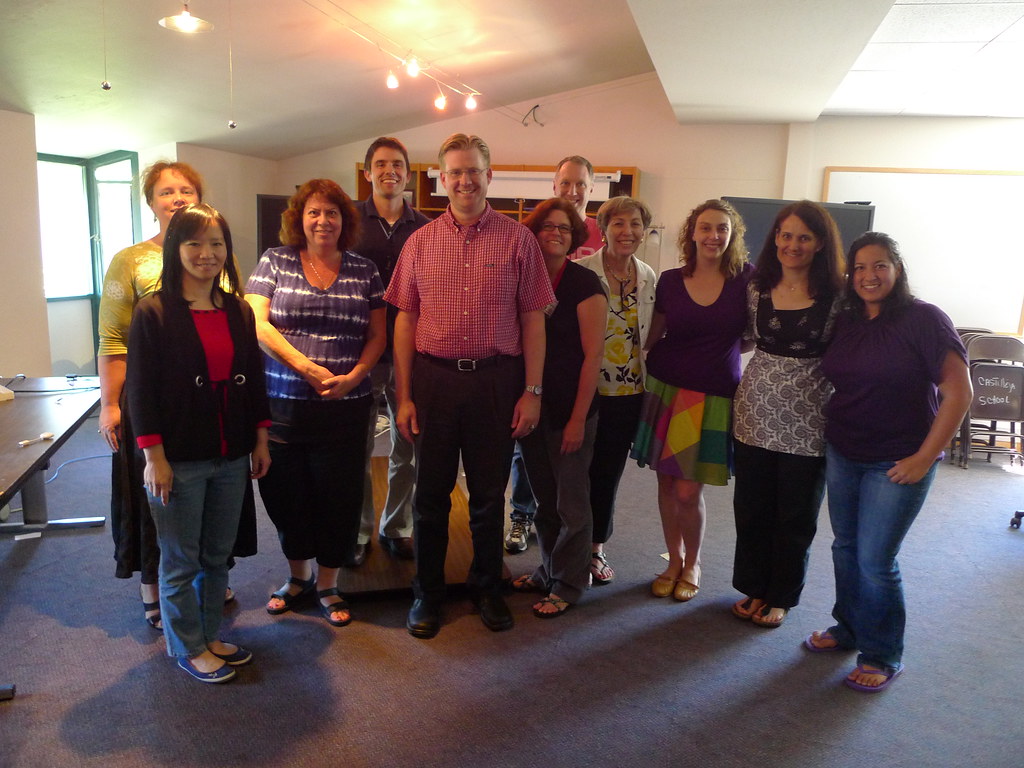
I was really happy that we pushed our faculty to create something very raw with a limited amount of time. So often times in schools we only share our very best pieces after a considerable amount of time. This type of "rapid prototyping" instructional design encourages regular improvement versus delayed perfection.
The recording of Wes' presentation is embedded below. A special thank you to our student interns for the week, Sam Cecil and Angelica Ortiz, for handling the live streaming and video archiving of our SLI speakers.
Click here to subscribe to all four of our Summer Learning Institute featured guest (Helen Barrett, Sylvia Martinez, Gary Stager, and Wes Fryer) videos in iTunes.
Wednesday, June 16, 2010
Gary Stager at Castilleja School's 2010 Summer Learning Institute
Last week we offered a unique professional development opportunity for our school's faculty and staff in the form of a "Summer Learning Institute." Tuesday featured a deep dive into the world of portfolio learning with Dr. Helen Barrett. On Wednesday we studied project based learning with Sylvia Martinez. On Thursday we were joined by Dr. Gary Stager to discuss laptop learning and on Friday we wrapped the week up with an immersive digital storytelling experience with Wes Fryer. This superstar line-up of outside facilitators, combined with an incredibly motivated and eager group of faculty from my school, yielded a special learning experience. I hope to reflect more on the experience here and share the instructional design that we used throughout the week-in many ways I think this week was a really good model for summer professional development.
I'm slowly getting all of the video from our presenters processed and posted (thanks to our student interns Angelica Ortiz and Sam Cecil for doing all of the video work!) Embedded below is Gary's session on laptop learning. The remaining presentations will be posted over the course of the next week. Enjoy!
I'm slowly getting all of the video from our presenters processed and posted (thanks to our student interns Angelica Ortiz and Sam Cecil for doing all of the video work!) Embedded below is Gary's session on laptop learning. The remaining presentations will be posted over the course of the next week. Enjoy!
Saturday, June 12, 2010
Making Stuff - one teacher's perspective
In our Summer Learning Institute professional development session on Friday we had the good fortune of taking a deep dive into the world of digital storytelling with Wes Fryer. After a 70 minute presentation by Wes on the topic he gave us an invitation to create our own personal digital stories during the balance of the morning and early afternoon. Our teachers were essentially tasked to create a VERY rough five photo digital story in about 100 minutes time. I was BLOWN away by the diversity of projects that people shared to close out the day. I appreciated Wes' efforts to encourage us to focus on our own personal stories instead of making curricular connections. The curricular connections may develop in a much more powerful way now that everyone has experienced the power of this process.
Anyway, here is a digital story that caught my eye (we had about 10 teachers share their stories-they all caught my eye actually-it was an incredibly diverse collection of personal stories). This was created by one of our middle school English teachers, Katie Sauvain, and it is a Voicethread titled, "Making Stuff...a History." Next year our students will be bringing their own laptops to school each day and Katie touches on the idea of creating a balance between consumption and creation.
Katie is thinking about starting a professional blog and I hope she does (encourage her to start a blog with a comment here!!!) If her digital story is any indication of the kinds of things she may share in her blog, then we have alot to look forward to!
If you are reading this via a news reader and you are unable to see this project, I highly recommend that you visit my blog to check out this story. Katie sums up some many feelings and thoughts that many others in our community share as we prepare to enter the world of one to one learning.
Anyway, here is a digital story that caught my eye (we had about 10 teachers share their stories-they all caught my eye actually-it was an incredibly diverse collection of personal stories). This was created by one of our middle school English teachers, Katie Sauvain, and it is a Voicethread titled, "Making Stuff...a History." Next year our students will be bringing their own laptops to school each day and Katie touches on the idea of creating a balance between consumption and creation.
Katie is thinking about starting a professional blog and I hope she does (encourage her to start a blog with a comment here!!!) If her digital story is any indication of the kinds of things she may share in her blog, then we have alot to look forward to!
If you are reading this via a news reader and you are unable to see this project, I highly recommend that you visit my blog to check out this story. Katie sums up some many feelings and thoughts that many others in our community share as we prepare to enter the world of one to one learning.

Thursday, June 03, 2010
Student Livescribe Pen Review

A special shout out and thank you goes to Paula for taking the time out to record this podcast. The podcast is about 9 minutes long...enjoy.
Click here to listen to the audio recording of our conversation or try the media player below.
Wednesday, May 19, 2010
The Evolution of the "Class Website"
A few of the teachers at my school are planning on rebuilding their "class website" throughout the upcoming summer in preparation for our student laptop learning program. I created this little sketch to outline how instructional websites have changed over the past 10 years. To me the biggest difference is who can contribute. In 2000 the class website was pretty much driven and managed by the teacher. In 2010 both the teacher AND students have the capacity to serve as curators of the site.
I'm hopeful that this proves to be a simple little graphic to help folks along as they plan out the different components and parts they'd like to build into their online learning spaces.
Click the image for a larger view:

Subscribe to:
Posts (Atom)